Job templates
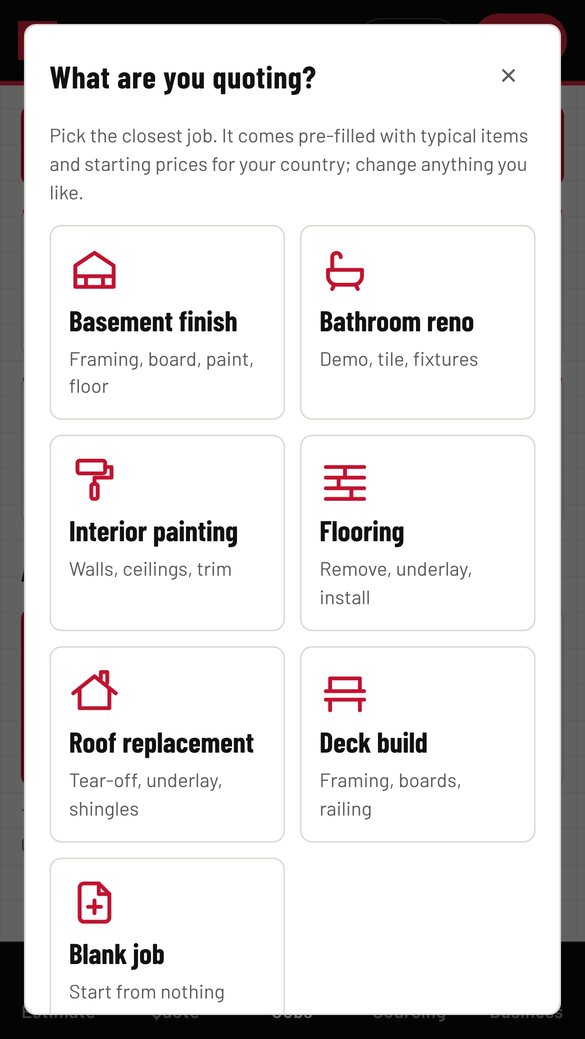
Start from a basement, bathroom, painting, flooring, roof or deck job, already filled in.
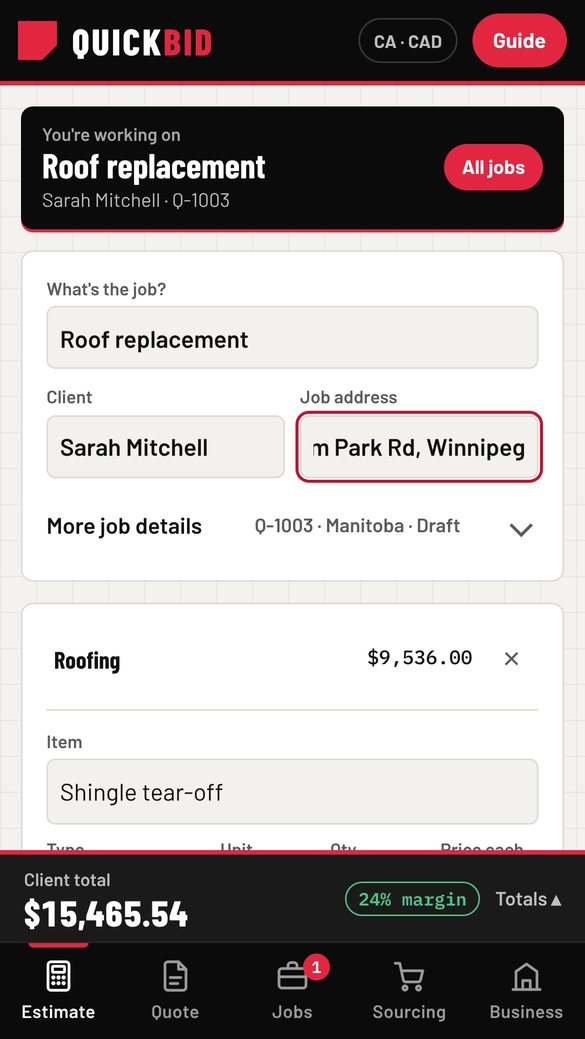
QuickBid is the estimating app for renovation contractors who'd rather be on the tools than in a spreadsheet. Pick the job, tap in your numbers, and send a clean, branded quote from your phone.
Free 2-minute preview, no sign-up. One-time price, no subscription. Works on iPhone, Android and computers, even with no signal.
The whole app, start to finish, in 80 seconds, including how to find the cheapest materials near you. Then open it and the built-in tour walks you through it again.
Start from a basement, bathroom, painting, flooring, roof or deck job, already filled in.
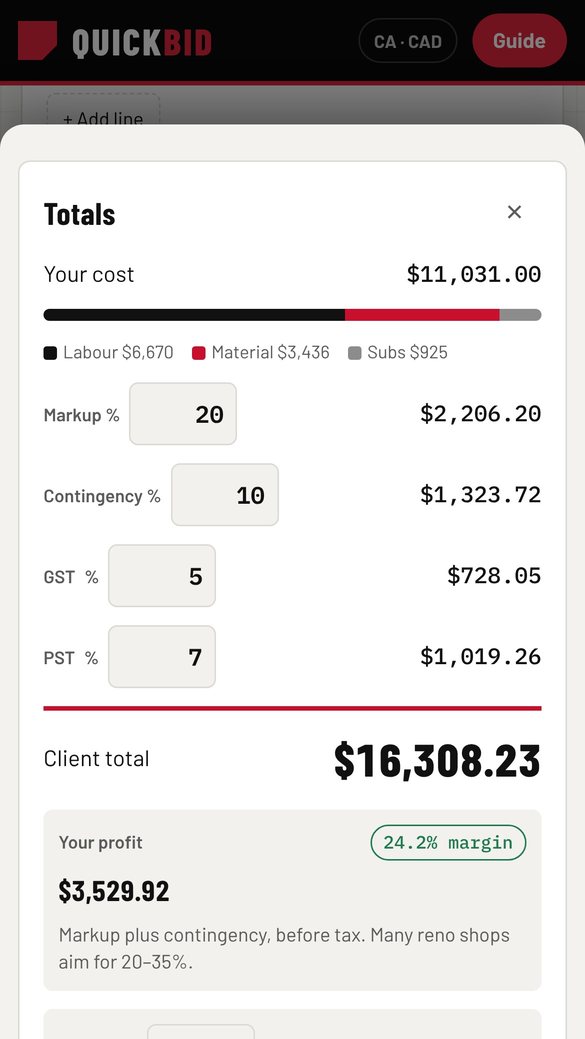
Markup, contingency, tax and deposit, with your margin in green when you're above 20%.
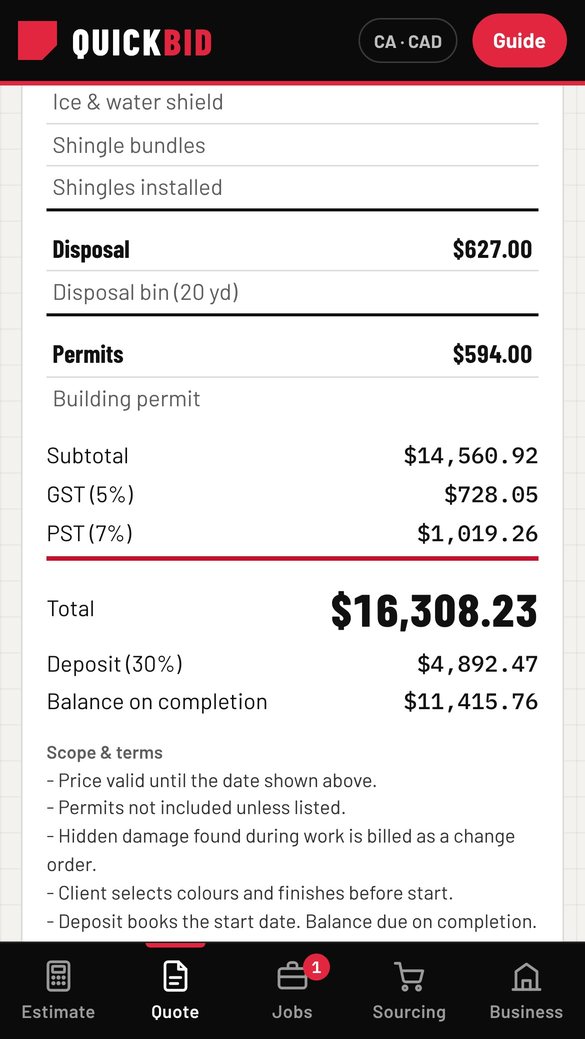
Your logo, clean totals, deposit, optional upgrades the client can tick, and a signature line.
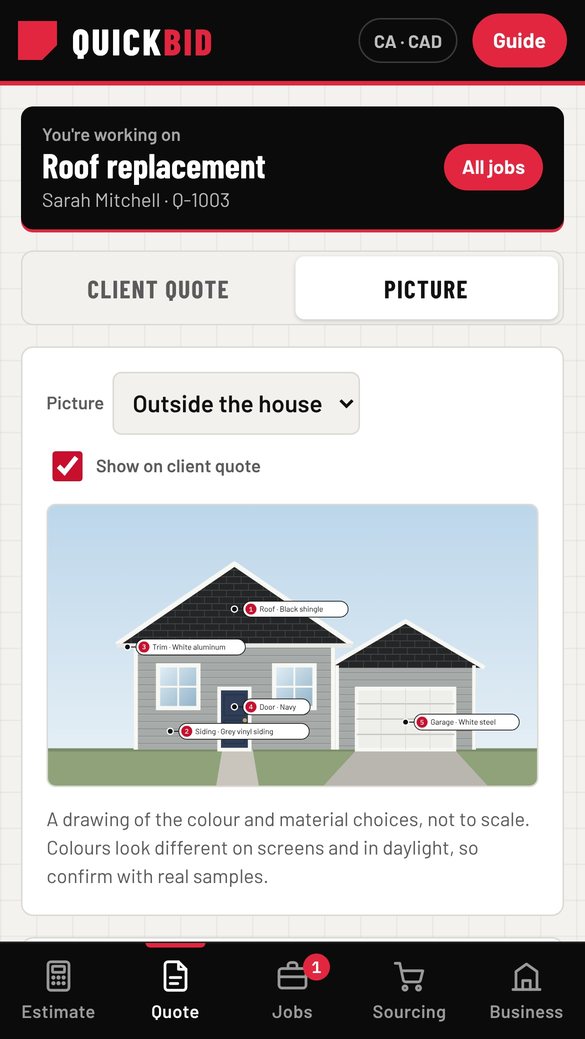
Pick paint, flooring, roof and siding colours. The drawing goes right on the quote.
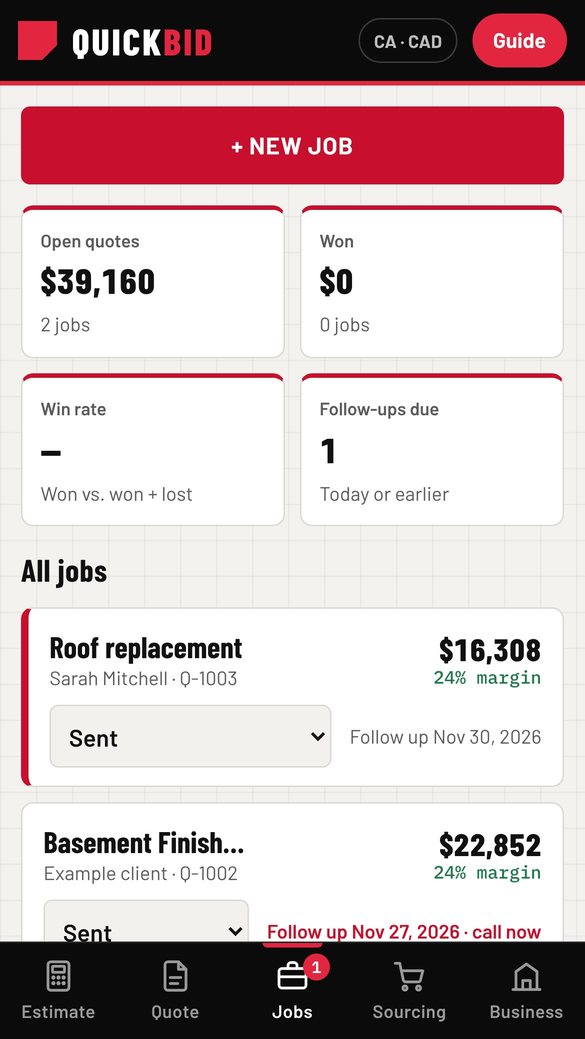
Every quote in one list, with who needs a call and how much you've won.
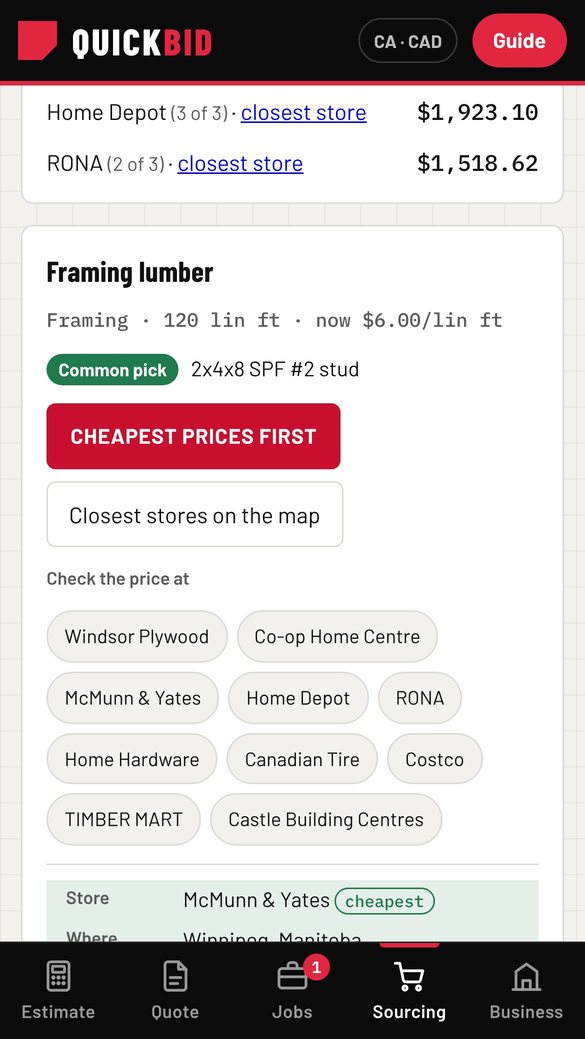
Finds the stores closest to your job, city or location, searches the common contractor spec lowest price first, and shows the best store for the whole job.
Pick your country once. QuickBid switches the money, taxes, units, store links and the languages your client quotes can be written in.
| Country | Currency | Taxes built in | Units | Client quotes in |
|---|---|---|---|---|
| Canada | CAD $ | GST, HST, PST and QST, set by province | Imperial | English · French |
| United States | USD $ | State sales tax, plus your local rate | Imperial | English · Spanish |
| United Kingdom | GBP £ | VAT 20% | Metric | English |
| Ireland | EUR € | VAT 13.5% (construction rate) | Metric | English |
| Australia | AUD $ | GST 10% | Metric | English |
| New Zealand | NZD $ | GST 15% | Metric | English |
The app's own screens are in English in every country. Tax rates are starting presets you can change on any quote.
Take the free 2-minute preview first: open the app, see every screen and play with an example job. When you're ready to quote your own jobs, unlock it once. If it saves you one evening, it's paid for itself.
Secure checkout by Gumroad, which adds any sales tax or VAT for your country. Your license key arrives by email.
Secure checkout by Stripe.
No. You pay once and keep QuickBid. Updates are included.
No. Once it's added to your home screen, QuickBid opens and saves with no signal. You only need internet to unlock it the first time and to send a quote.
On your own phone or computer, not on our servers. Save a backup file from the Business tab every week, and load it on a new phone when you switch.
Yes: Canada, the United States, the United Kingdom, Ireland, Australia and New Zealand, each with its own currency, tax presets, units and local store links. See the country table above for the quote languages in each.
Open the app link on your phone. On iPhone, tap Share, then Add to Home Screen. On Android, tap Install. It then opens full screen like any other app.
For 2 minutes you can open every screen, try the templates, edit the example job, see the client quote and the job picture, and switch countries. Starting your own jobs and sending quotes are part of the full version.
Take the free preview first. If you buy and it isn't right for you, ask for a refund within 30 days.
They're starting presets for each province, state or country. Tax rules vary by trade and area, so check the rate for your job; you can change it on every quote.